SMALL TOOLS. SHORTER ROAD TO PRINT.

From text wey you need to page wey you fit print.

Select small part of text for web or copy text for Windows. Send am to separate pasteToPrint draft, edit am and press Print.

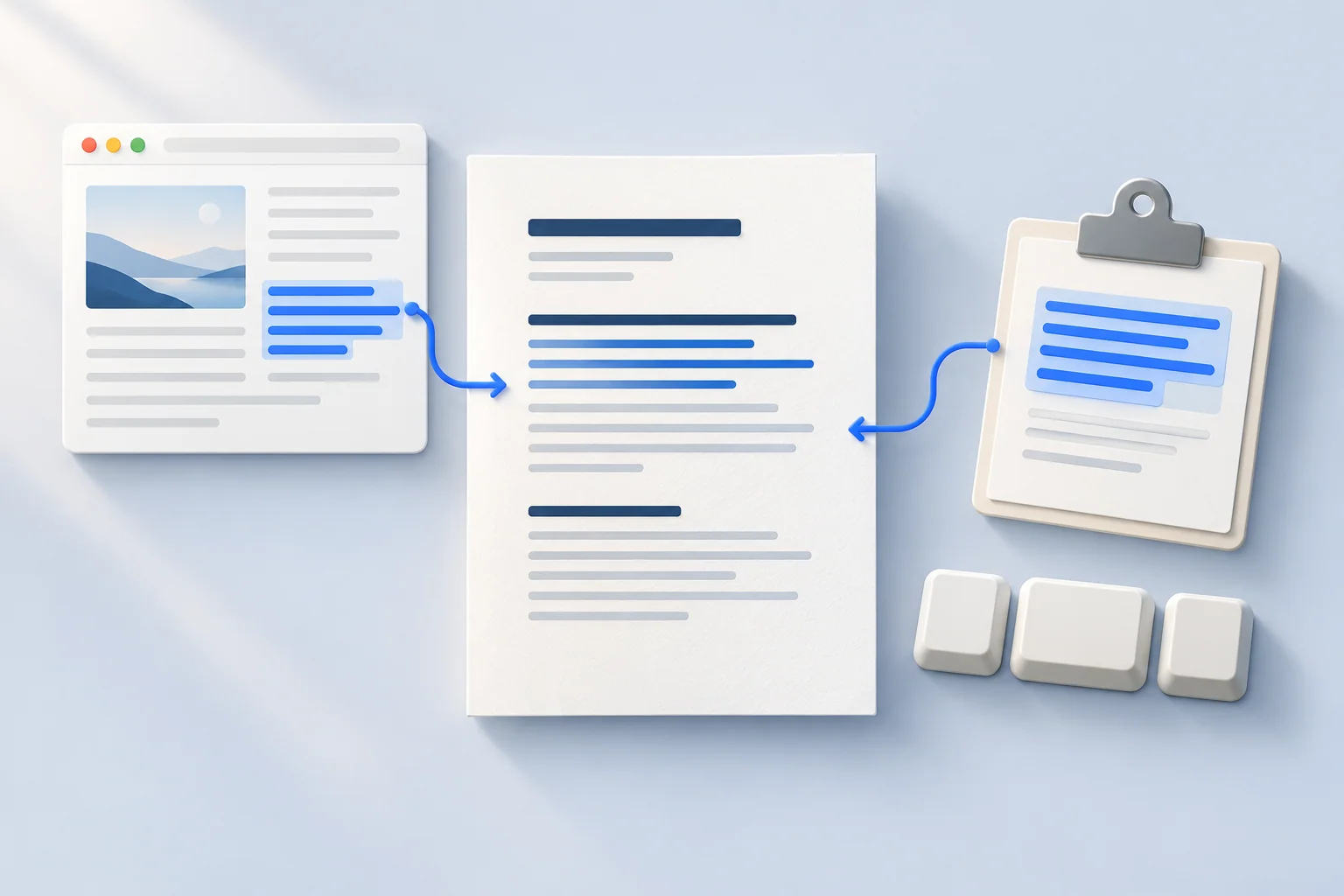
Illustration wey show browser text and clipboard text dey turn into clean document.
Na AI make this illustration; no be screenshot of the software.

Na your text, na your action

Transfer no go start until you choose Send, Share or the keyboard shortcut. These modules no dey start printing by themselves.

Choose your add-on

Browser extension 1.1.0

Browser extension

Select text, right-click and choose Send to pasteToPrint. New tab go open with clean plain text inside separate draft.

Use Chrome 112 or newer, compatible Edge, or Firefox 140 or newer for computer. Some browser pages and document viewers fit block extensions.

Permissions na context menu and temporary session storage. Scripts still dey run for pasteToPrint and supported ChatGPT, Gemini, Claude and Copilot sites to put buttons under answers. The menu for selected text no need access to every website.

How to install
Windows · 1.8.0

Windows app

Copy text with Ctrl + C, then press Ctrl + Alt + P. Small app near the clock go open separate pasteToPrint window with your text ready for you to check and print.

You need Windows 10/11 x64, .NET Framework 4.8 and Microsoft Edge WebView2 Runtime. Internet dey necessary to load editor. You no need browser extension.

Helper dey read clipboard only when you press shortcut, choose Send or double-click the tray icon. E no dey monitor clipboard history. Start with Windows na your choice; e dey off by default.

How to install
Windows Share · PWA

Windows Share

For app wey fit share text, choose Share, then pasteToPrint. Installed web app go open new draft. Whether e go show depend on the source app and Windows registration.

You need updated pasteToPrint web app wey you install through Microsoft Edge. To install keyboard helper alone no go register Share target.

How to install
Plain text with clear limits

Selected text, clipboard input and shared text no fit pass 500,000 source characters; editor still get document-size limits. Input wey pass limit go refuse, e no go quietly cut am. These text modules no dey transfer pictures or original formatting. E dey clean line endings and extra blank space, but keep Unicode and indentation inside code.

Install with few easy steps

Download correct ZIP and extract the whole archive first. Save important documents before update or removal.

Chrome / Edge

  1. Download and extract Chrome / Edge ZIP into folder wey you go keep for computer.
  2. Open chrome://extensions for Chrome or edge://extensions for Edge. Turn on Developer mode.
  3. Choose Load unpacked and select extracted folder wey get manifest.json. Select text for normal web page, right-click and choose Send to pasteToPrint.

Firefox

  1. Download and extract Firefox ZIP. Open about:debugging#/runtime/this-firefox for Firefox.
  2. Choose Load Temporary Add-on and select manifest.json inside extracted folder.
  3. Select text, right-click and choose Send to pasteToPrint. This developer installation go last only until Firefox restart; permanent installation go need signed release.

Install di Windows app

  1. Download and run Setup.exe for Windows 10/11 x64. E go check .NET Framework 4.8 and WebView2 Runtime. Use di Microsoft links for any component wey no dey; to install dem fit need administrator permission.
  2. Choose di optional desktop shortcut and startup settings wey you want, then select Install and Finish. Di wizard supports Slovak and English. pasteToPrint go install for your Windows account. When you open am for di first time, stay connected until Offline: ready show.
  3. Copy text with Ctrl + C and press Ctrl + Alt + P. If another app dey use shortcut, choose Send copied text from pasteToPrint tray menu. You fit enable Start with Windows for that menu.

Windows Share

  1. Open pasteToPrint for Microsoft Edge while internet dey, then use browser Install app option.
  2. Open installed app to collect updates. If Share no show, update or reinstall web app so Windows fit register Share target.
  3. For source app wey support text sharing, choose Share → pasteToPrint. Check prepared document and press Print. If option no show, source app fit no support sharing text.

How to update or remove am

Update browser extensions as their guides explain. To update di Windows app, quit pasteToPrint through di tray menu, then run di new Setup.exe. To remove am, use Windows Settings > Apps or di uninstall shortcut for im Start menu. Saved documents, di offline editor and activation go remain for di local profile. Di alternative ZIP get Install.cmd and Uninstall.cmd wey go open di setup/removal wizard. To remove di PWA or clear im site data na separate actions.

Windows app updates

For tray menu choose Check for updates. Automatic check dey run once a day when app dey run; you fit turn am off. Choose Download update, then Save and open Setup. App go check say open documents save before e close. Finish installer make editor open again. Documents, offline editor and activation go remain. Without internet you fit still use offline editor wey don ready.

Update check dey get release list from pasteToPrint without cookies, account details, installation ID, document or clipboard content. Server still dey receive normal connection data like IP address. Release list signature and file checksum protect download; publisher verification na separate check.

How each module dey handle text

Browser extension

Browser extension: text wey you select go stay for browser session storage after click, tied to destination tab. Extension messages dey deliver am locally to editor. Acknowledgement or closing tab go remove pending data. Unused transfer dey expire after five minutes; retrieval, new transfer or browser startup go clear expired data. Session storage dey clear when browser session end.

Windows helper with shortcut

Keyboard helper: copied text dey stay for process memory, and local WebView2 messages dey deliver am only to exact pasteToPrint address. Reference to text dey drop after acknowledgement or closing window. E no dey write transfer file or put text for command line or URL. Normal saved drafts dey remain for helper separate local web profile.

Windows Share

Windows Share: active service worker for installed app dey handle share locally and keep text temporarily for IndexedDB. Acknowledgement or cancellation dey delete transfer. Unused transfers dey expire after five minutes and clear on new transfer or retrieval. Maximum pending shares na 20; new shares go refuse if storage don full.

Na your text, na your action

Editor dey escape incoming text and put am automatically only inside empty, editable, separate draft. Existing content go use import preview. You fit undo automatic import. Clear browser or WebView2 site data to remove local drafts; export anything wey you need first.

To load website still dey make normal network requests, including technical connection data. These text routes no dey upload document content to content API or put am inside URL. Cloud saving, AI, email and other connected editor features get their own processing rules when you choose them. Main privacy notice explain those features, website storage, analytics and cookie choices.

Details about downloads

Each package show version, file size and SHA-256 checksum. Checksum fit detect download wey change, but e no be publisher signature or guarantee of safety. Install only from official pasteToPrint website or verified store listing when one dey available.

Last update:

Chrome / EdgeDownload Chrome / Edge ZIP
Version
1.1.0
File size
39587 B
SHA-256 checksum
9a2200ed528ff31bf964758b85dcdf18f661b009fa56717b6e988363a6aae20f
FirefoxDownload Firefox ZIP
Version
1.1.0
File size
39670 B
SHA-256 checksum
09ee6e5df0e9cb9fb9446d2d2463b69132e0f17ff1fa943f3fb78206e273d17a
WindowsDownload di Windows installer (.exe)
Version
1.8.0
File size
725504 B
SHA-256 checksum
0252b9865b517410d4a4b5f39330c8c8eec63194e45bf81f0581ad4c170b7053
ZIP archive wey you fit use insteadZIP archive wey you fit use instead
Version
1.8.0
File size
1281018 B
SHA-256 checksum
f244b41595bfe29073fe85ac6987ef04178b384ea38ca6a61a0da2ecdbfb18b5

Before you install

E dey work for every page or every Windows app?

No. Browser-owned pages and viewers fit restrict extensions. Windows Share need source app wey share text. Keyboard helper dey work with text wey you copy to Windows clipboard, under operating-system restrictions.

These add-ons don dey for stores?

No. This page dey offer developer preview packages for manual installation. Store links go come after release publish. Successful package validation no mean store approval.

I fit use editor without installation?

Yes. Open web editor and paste text. Add-ons na optional shortcuts, and na you go still start printing.